

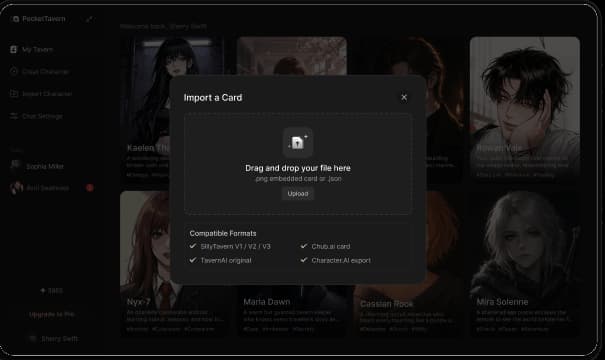
01 / Characters
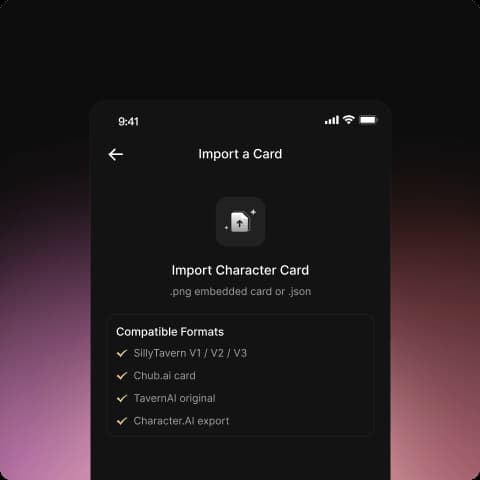
Import once, use everywhere
Supports SillyTavern v1 / v2 PNG and JSON. Create manually too. Fields, greetings, and embedded lorebooks are preserved.
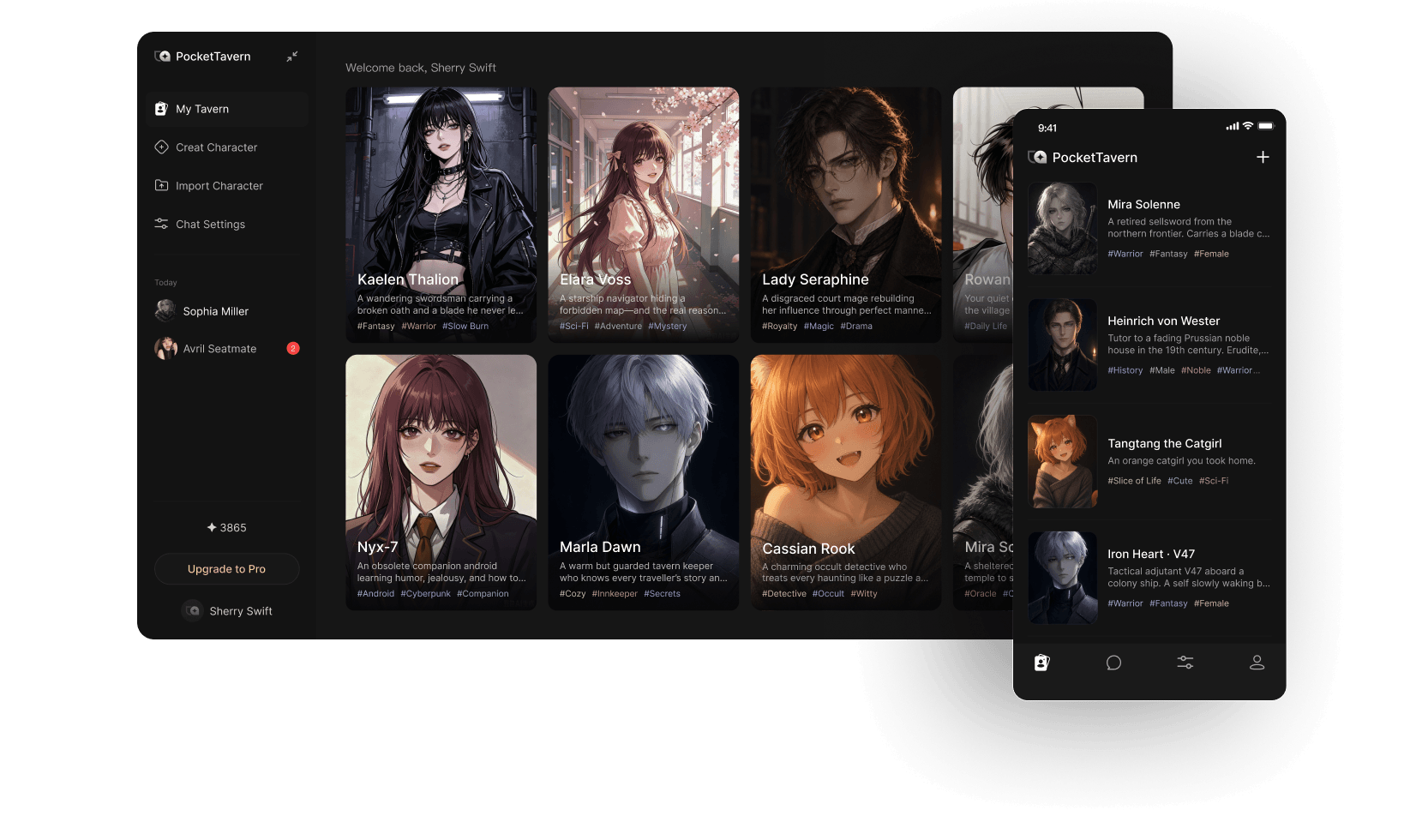
 A cross-platform roleplay client compatible with SillyTavern
Character cards, lorebooks, Personas, and presets — not a generic chat shell.
01 / Characters
Supports SillyTavern v1 / v2 PNG and JSON. Create manually too. Fields, greetings, and embedded lorebooks are preserved.
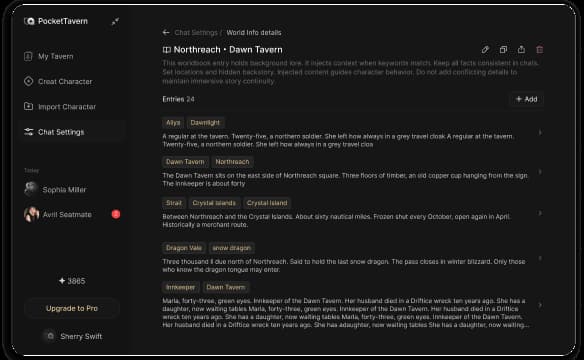
02 / Lorebooks
Enable globally or ship embedded with a character card. Import SillyTavern lorebook JSON — no rewriting required.
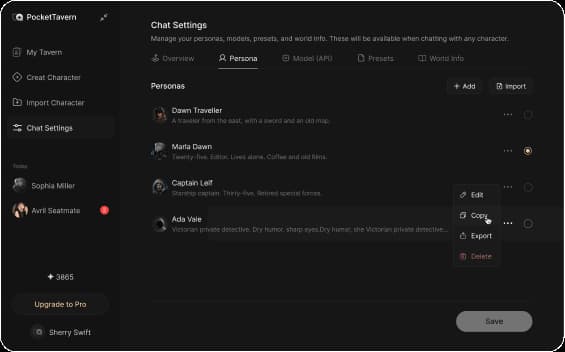
03 / Persona
Configure avatar, description, and sample dialogue, then switch anytime. Managed separately from character cards so one character can pair with many Personas.
04 / Presets
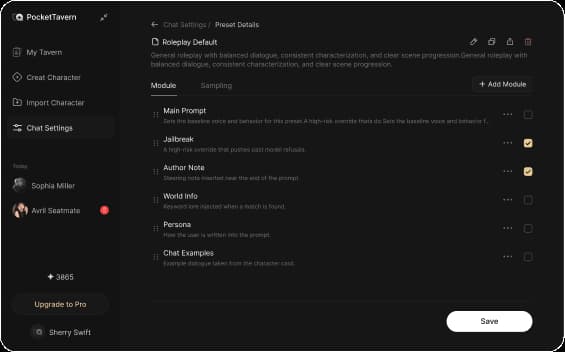
Official presets included; import or build SillyTavern-compatible ones. System prompts, sampling, and prompt order can be managed independently.
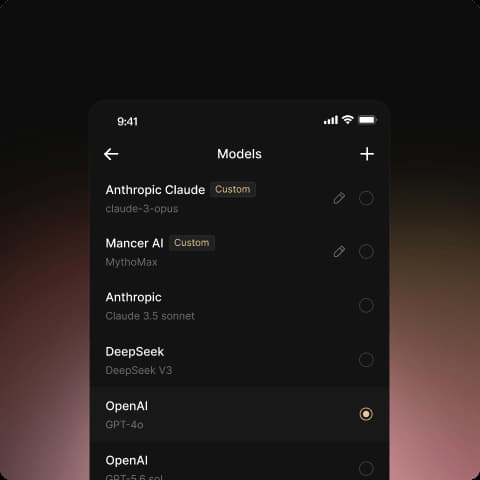
05 / Models
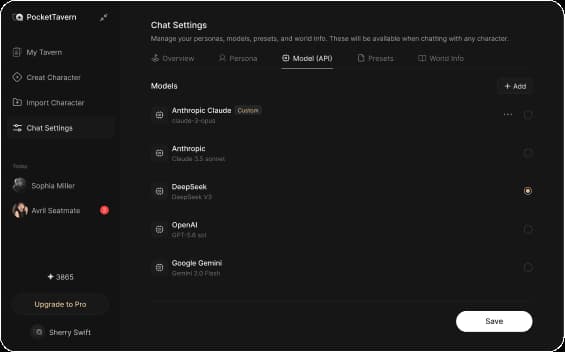
Built-in GPT, Claude, Gemini, Grok, DeepSeek, and other mainstream models — no separate API keys required.

We do not train our own models on local chat history. Official model requests are sent to the corresponding providers. You can export your data or request account deletion at any time.
PocketTavern is compatible with common SillyTavern pack formats and offers multi-platform clients, accounts, and official model access. It is not an official SillyTavern client and does not replace the desktop plugin ecosystem.